

Download a Reward Export
To download a previously-generated export file of Rewards:
-
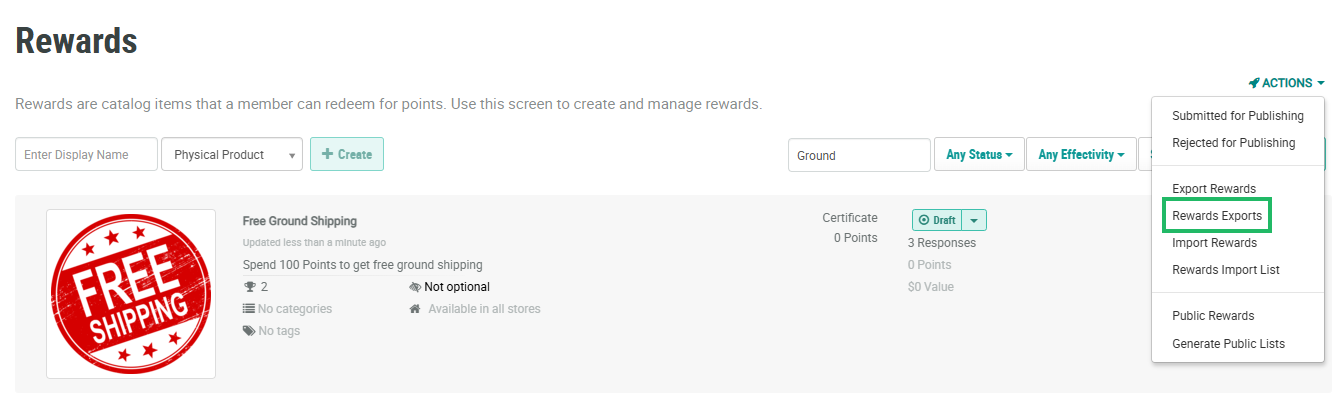
Select Rewards from the top navigation bar, then select Rewards > Rewards from the side navigation menu. The Rewards screen is displayed.
-
From the Actions drop-down menu, select Rewards Exports. The Rewards Export Definitions pop-up window is displayed and populated with a list of all existing Reward Exports.
Note: The Date Created column indicates the current version of an export. Optionally, you may want to refresh an export prior to downloading it (see
-
From the Action column of the desired export, click the Download icon. The platform downloads the file to your local PC.
